
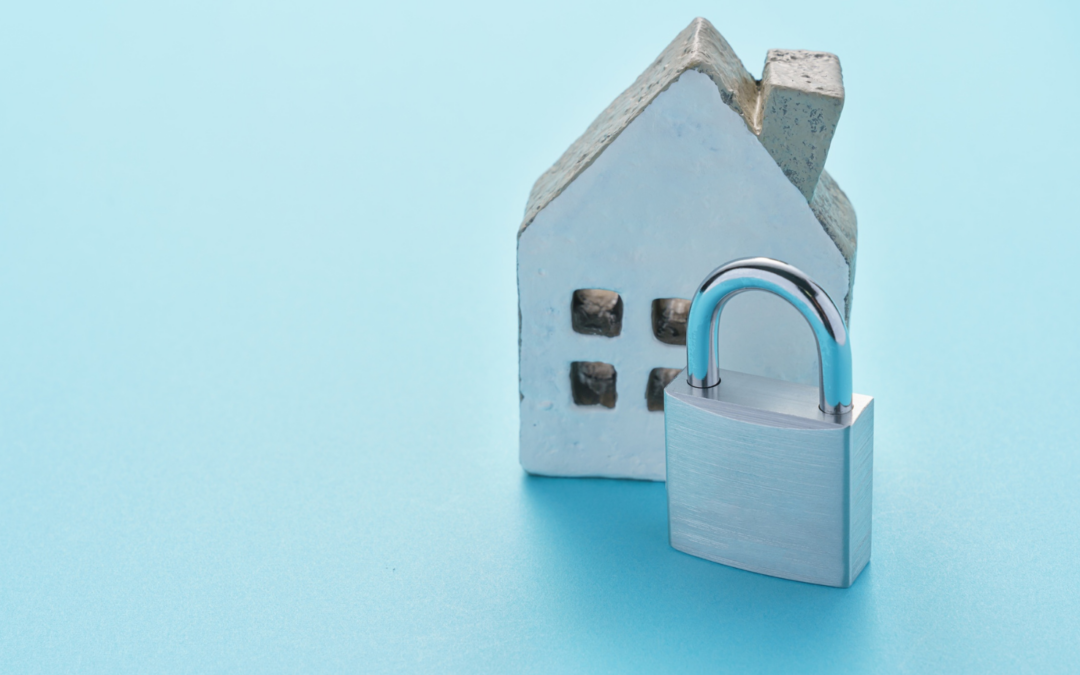
Home networks today are more connected than ever.
Smart TVs, baby monitors, printers, lights, speakers, appliances… all connected, all vulnerable.
Top home security tips
✔ Change your Wi-Fi password
Even better — change it every 90 days.
✔ Separate smart devices from work devices
Use a “guest” network for your smart tech.
✔ Update your router firmware
It’s the digital gate to your home.
✔ Disable features you don’t use
Remote admin access is often unnecessary.
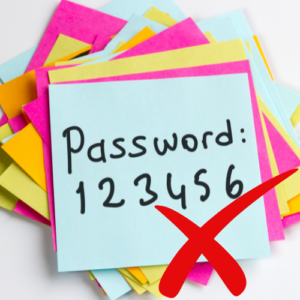
✔ Use strong passwords for smart devices
Avoid the original default passwords — they’re the first ones hackers try.
How iTRINITY Can Help
We help remote workers and families secure their home networks through professional router setups and smart device best practices.