← ResourcesCybersecurity
Secure Your Home Tech: A Beginner’s Guide to Protecting Wi-Fi & Smart Devices
Home networks today are more connected than ever. Smart TVs, baby monitors, printers, lights, speakers, appliances… all connected, all vulnerable. Top home…
Home networks today are more connected than ever.
Smart TVs, baby monitors, printers, lights, speakers, appliances… all connected, all vulnerable.
Top home security tips
✔ Change your Wi-Fi password
Even better — change it every 90 days.
✔ Separate smart devices from work devices
Use a “guest” network for your smart tech.
✔ Update your router firmware
It’s the digital gate to your home.
✔ Disable features you don’t use
Remote admin access is often unnecessary.
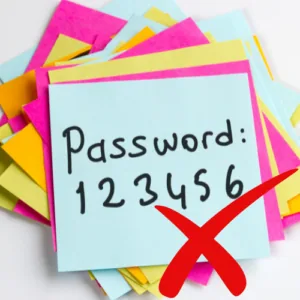
✔ Use strong passwords for smart devices
Avoid the original default passwords — they’re the first ones hackers try.
How iTRINITY Can Help
We help remote workers and families secure their home networks through professional router setups and smart device best practices.